

How to Do Burning Bridges AI: The Manual Way and the Shortcut
This is how to do Burning Bridges AI the way TikTok tutorials teach it: cut the right seconds of Drake's party scene, write an instruction that keeps the room and crew in place, run a video tool, then add the song. You will also see where hand-made versions break, and a one-photo route.
Or skip the editing and start from one photo
A failed render costs you nothing.
How to do Burning Bridges AI: what the finished clip needs
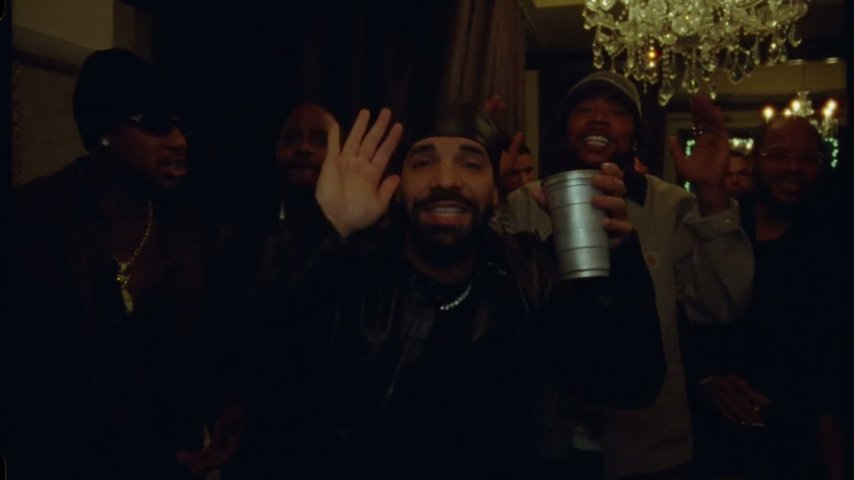
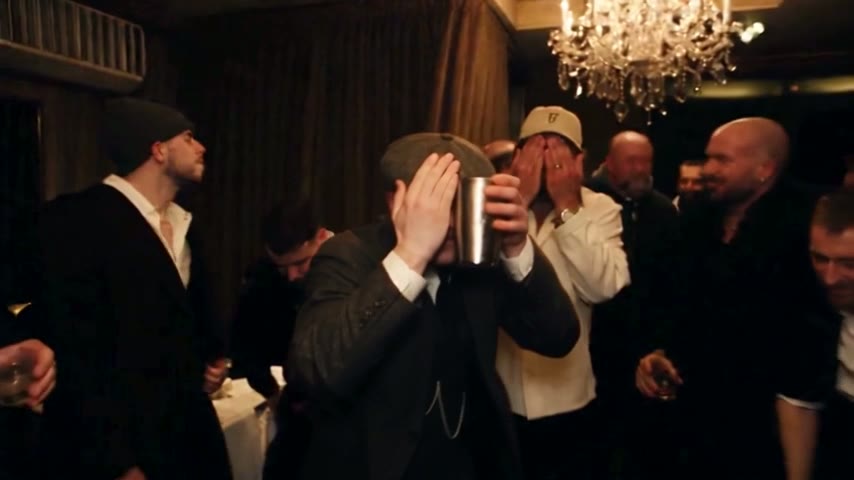
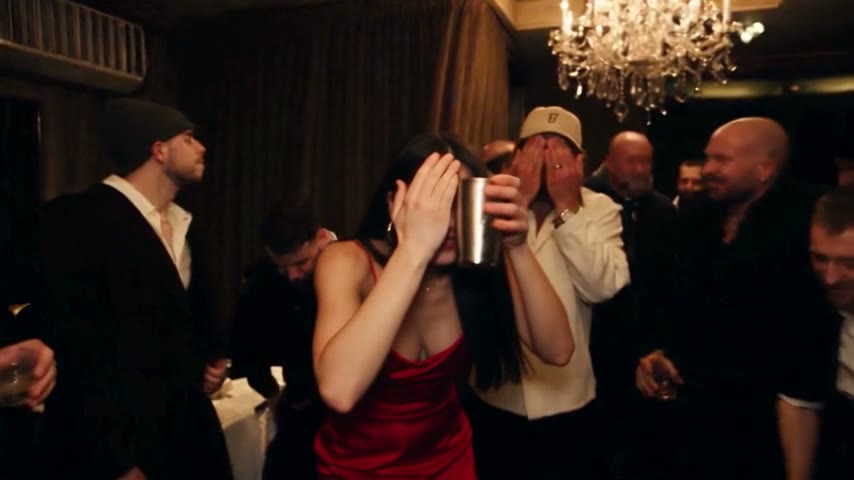
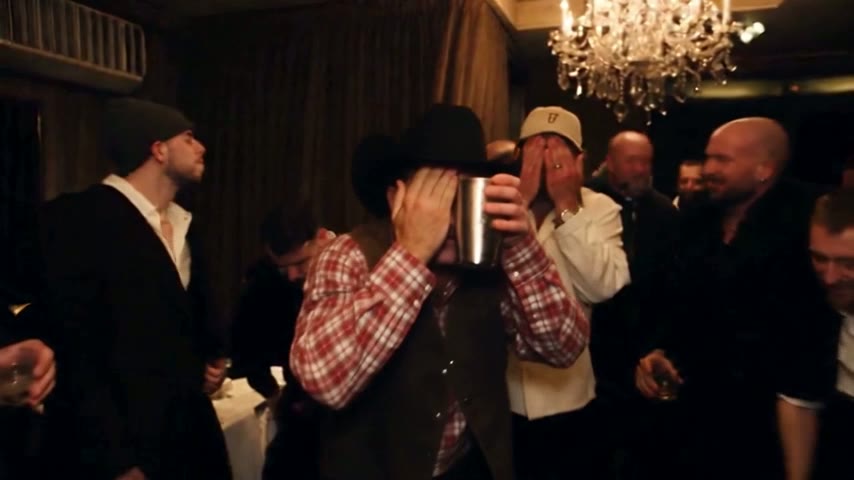
Learning how to do Burning Bridges AI starts with the target: Drake's party scene from the "Burning Bridges" music video, with only the man in the black durag and leather jacket replaced. The dining room, the crystal chandeliers, the crew with their silver cups and the handheld camera should look untouched. That fixed frame is what makes the Burning Bridges trend readable in a second.
- Skip the first minute and a halfThe video opens on a woman in black walking through a restaurant and its kitchen. The party starts around 1:24, so nothing earlier belongs in your cut.
- Cut 2:42 to 2:57The 15 seconds most versions use: the silver cup pushed into the lens, the pointing, the grin and the finish. For a longer take, use the whole party stretch, about 2:38 to 3:05.
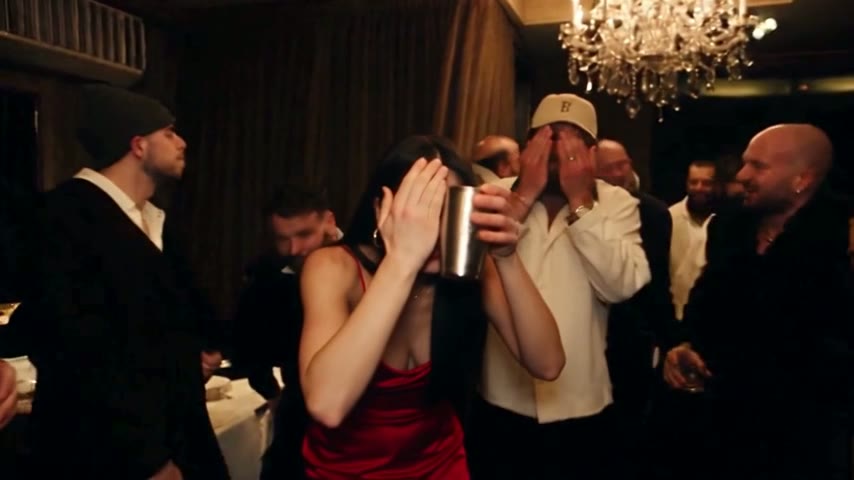
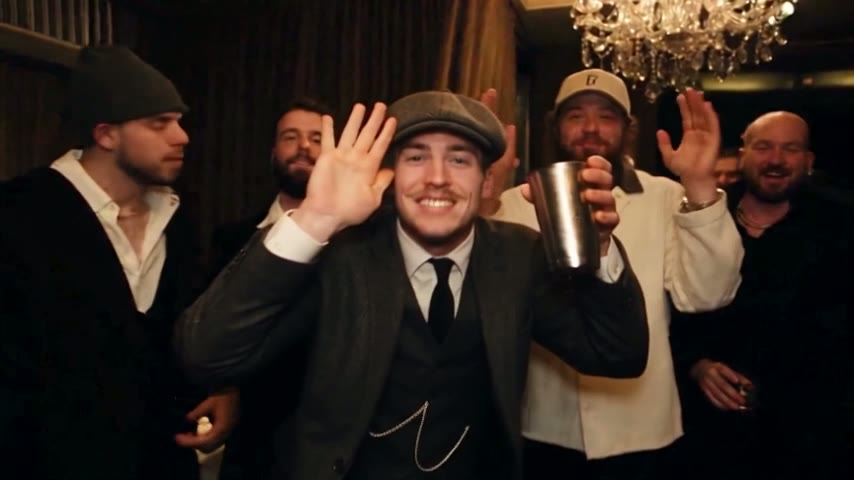
- Where she at AI: end on the waveThe "where she at" gesture, a flat hand by the forehead while looking round the room, appears twice. Skip the quick one near 2:08; the trend copies the final one, cup by the face and crew waving.
The Burning Bridges AI prompt: what it has to say
Prompt-based tools follow your words, and anything you leave out is open to change. The sample below shows the kind of wording shared in tutorials; it is not guaranteed in any tool, and it is not this site's instruction.
Say exactly who to replace
Describe him by what is visible: the man in the black durag and black leather jacket. A vague "replace the man" can land the swap on someone in the crew.
List what must stay
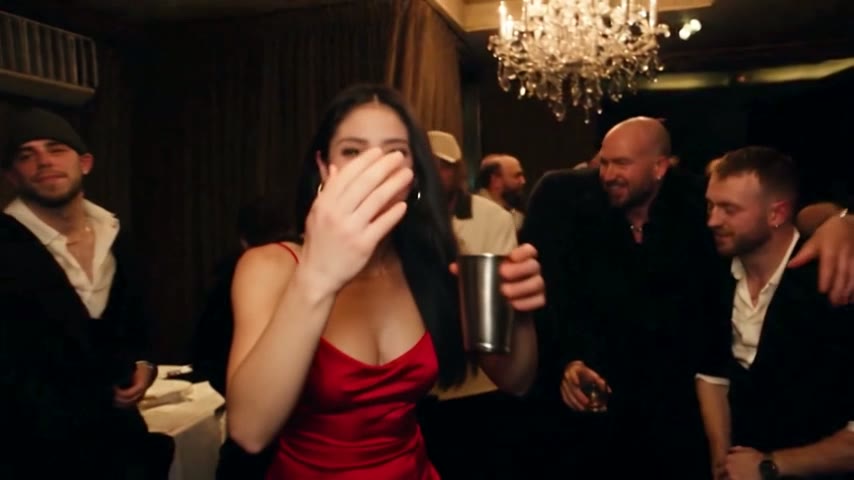
A typical phrasing: "Replace the man in the black durag and leather jacket with the person in the photo. Keep the room, the chandeliers, the crew, the camera movement and every gesture the same."
Keep the moves in order
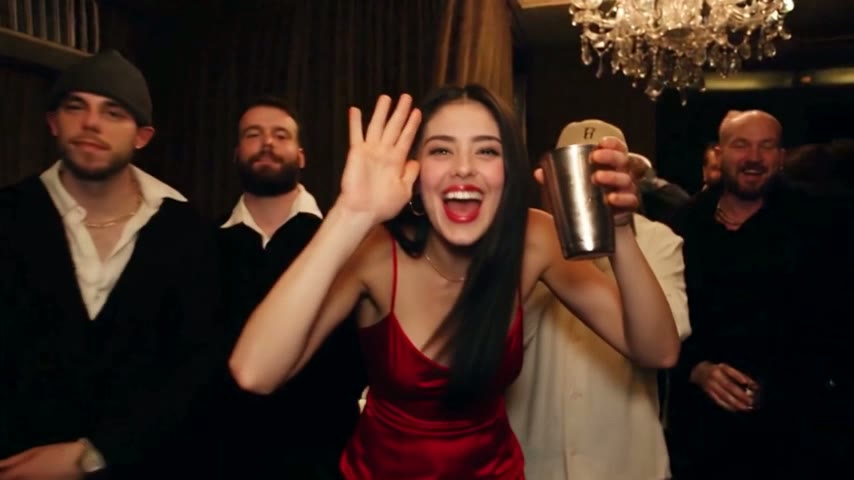
Cup to the lens, pointing, the turn to the crew, the hand over the eyes, the wave. The song is added later, so cover only the picture.
How to do Burning Bridges AI by hand, in five steps
The workflow most tutorials follow, in order. Expect more than one attempt.
Where hand-made versions usually go wrong
The problems tutorials keep pointing at. They come from rebuilding the scene from words, and each costs another try.
The face drifts
It holds at first, then slides back towards the original during the turn. A sharp, front-facing photo leaves less to guess.
The room changes
Chandeliers vanish or the dining room turns into a club. Viewers recognise the scene by its room, so the joke goes with it.
The crew changes
Friends behind the lead get new faces, multiply or disappear, and sometimes one of them receives the swap.
The moves go soft
The cup never reaches the lens or the last wave becomes another gesture. Without that wave, there is no punchline.
Hands come out wrong
With a close-up photo the hands get invented, and the cup hand can look odd. Show both hands.
The shortcut: one photo
The Burning Bridges AI video generator uses a recreated party scene with the same room, camera moves and choreography, and turns the lead into the person in your photo; guests and song stay. No clip to cut, no instruction to write.
Keep reading
Three related guides.
By hand, a template or one photo
The three usual routes, side by side. For ready-made CapCut versions, see the Burning Bridges AI template page.
| One photoAI Burning Bridges Video | By handHiggsfield, Kling, Dreamina | CapCut templatesby template creators | |
|---|---|---|---|
| Who is replaced | The whole lead, not just the face | Depends on your instruction and tool | Often just a face overlay |
| Room and crew | Same recreated room and guests | Can drift from the original | Depends on the template |
| Original song | Added in an editor | Depends on the template | |
| Instruction to write |
Making the Drake party clip: questions
How to do Burning Bridges AI without writing a prompt?
Use a tool with the scene and instruction built in. This site starts from a recreated party scene and turns the lead into the person in your photo. You choose 5, 15 or 28 seconds and Standard or HD, upload one photo, and download an MP4 in about 3 minutes (5 seconds) or 5 to 10 minutes (longer cuts).
How to do Burning Bridges AI on a phone?
Both routes work from a phone. By hand, you trim the clip, run your chosen video tool, then add the sound in CapCut or TikTok. Here it all runs in the mobile browser with no app to install. The full walkthrough is in how to make Drake AI video.
Why does it take several tries?
A prompt-based tool rebuilds the scene from your clip and words, and small changes add up over 15 seconds: the face shifts, the crew changes or the wave comes out wrong. Tutorials warn that three to five attempts are common, so check every take before posting.
Do I need CapCut for the sound?
Not necessarily. Many creators add the song in CapCut; others pick the official "Burning Bridges" sound from TikTok's library. Videos made here already play the original song from that part of the music video, and TikTok or Instagram may recognise it. Nothing here is a promise about copyright.
Can I put a celebrity or a pet in it?
Photos of celebrities and public figures are rejected. Pets can work (one of our samples is a golden retriever in a tuxedo), but people are the safest choice. Use your own photo or one from a friend who agreed. A filtered or failed render is never charged; plans and packs are under AI Burning Bridges Video pricing.
Is this an official Drake tool?
No. AI Burning Bridges Video is an independent fan-made tool, not affiliated with Drake or his label. Fans built the trend with many tools; this one takes the cutting and the instruction off your hands. You can watch the sample videos before buying.
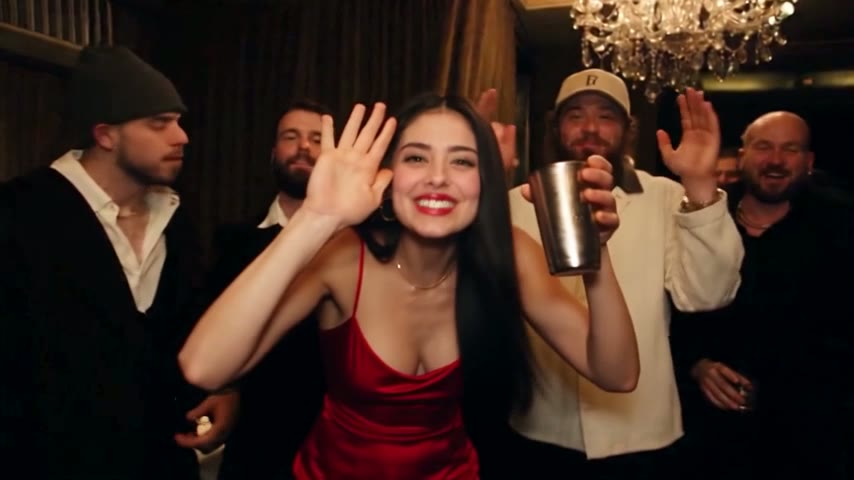
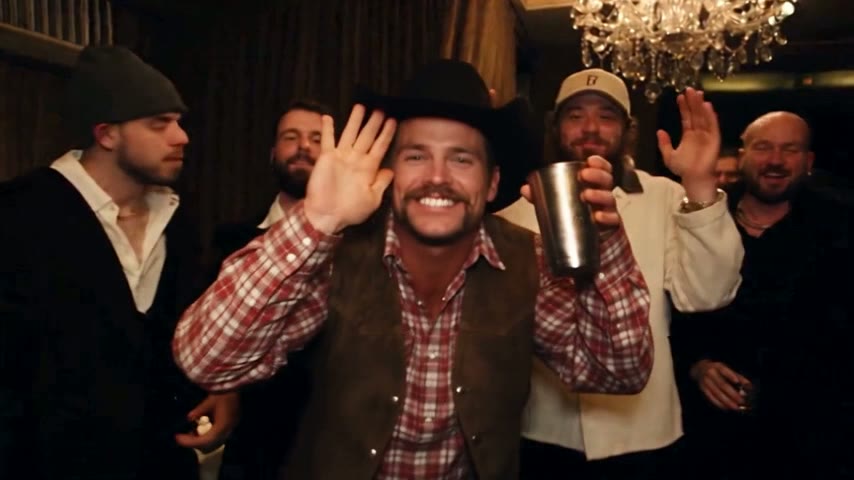
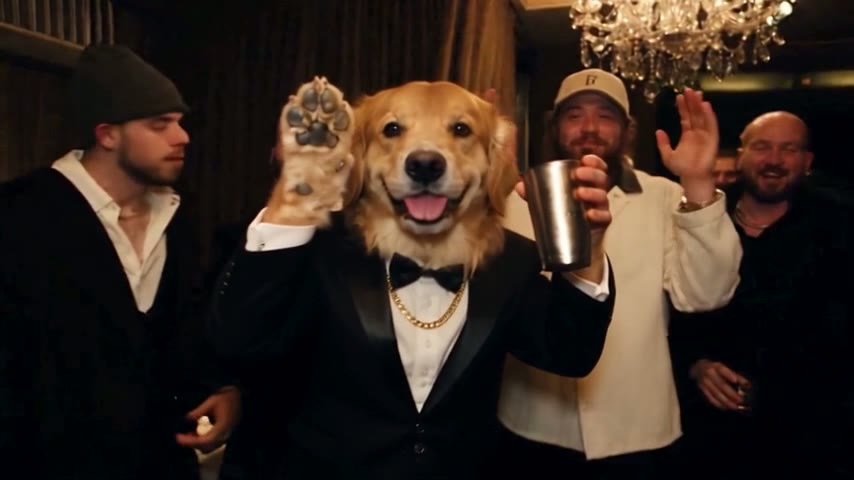
Done with retries? Try the one-photo version
One photo, a few minutes, and you are the one raising the cup.