
Burning Bridges Higgsfield: The Workflow and a One-Photo Route
Burning Bridges Higgsfield tutorials show one popular way into Drake's party scene: cut the clip, describe the swap, render, add the song. Here is that route step by step, next to AI Burning Bridges Video, where footage, song and instruction are preloaded and you bring one photo.
Try the one-photo version of a Burning Bridges Higgsfield edit
A failed render costs you nothing.
How a Burning Bridges Higgsfield video gets made
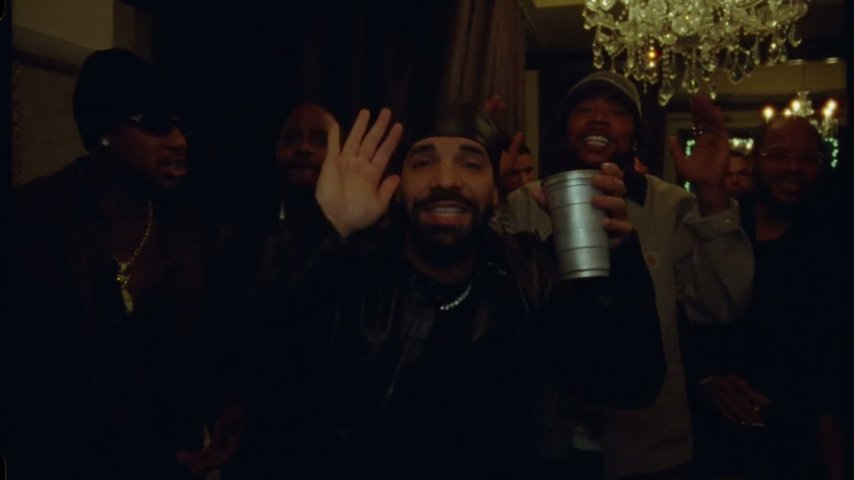
A Burning Bridges Higgsfield video is built by hand: you take a piece of Drake's official music video, give Higgsfield a photo and a written instruction, and its Genjutsu character-swap feature puts that person where Drake stood. Tutorials for it spread on TikTok around 8 October 2026, as the Burning Bridges trend timeline shows.
- Cut the right piece of the music videoOn a general platform you bring the footage yourself: trim the party stretch from the official video, usually ending on the 'where she at' wave near 2:57, then upload it.
- Higgsfield Genjutsu: clip, photo and wordingHiggsfield Genjutsu takes the clip, a picture of the new lead and wording that says who replaces Drake and what stays. Our guide on how to do Burning Bridges AI covers what that text needs.
- Choose settings, then retryYou pick the platform's options and render within your Higgsfield plan. Tutorials warn that a clean result often takes three to five tries.
- Add the song afterwardsMany creators finish in CapCut or TikTok, laying the Burning Bridges sound back over the clip.
A one-photo alternative to the Burning Bridges Higgsfield route
People searching for Drake Higgsfield edits usually want their own face in the party scene, posted the same day. The Burning Bridges AI video generator handles that one scene, so the stages above are done before you arrive.
You take the lead
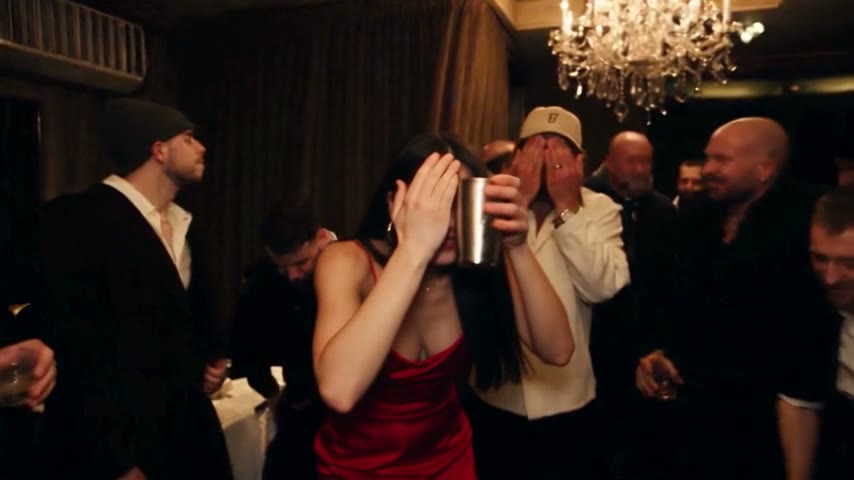
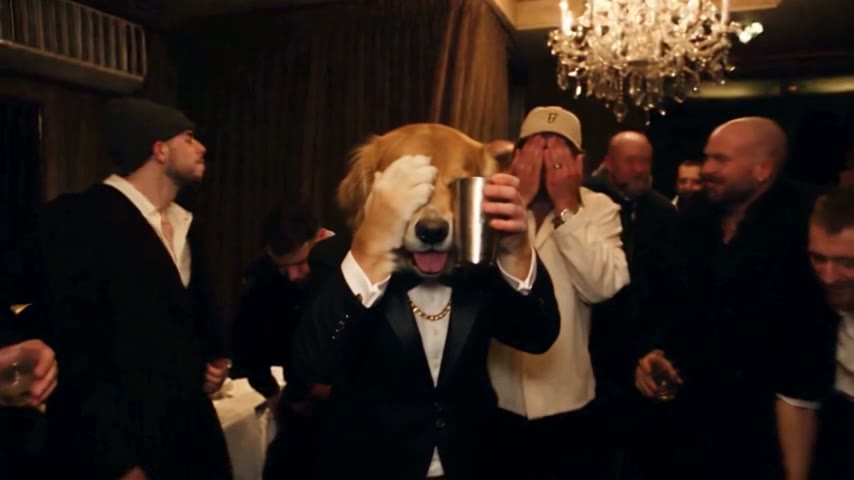
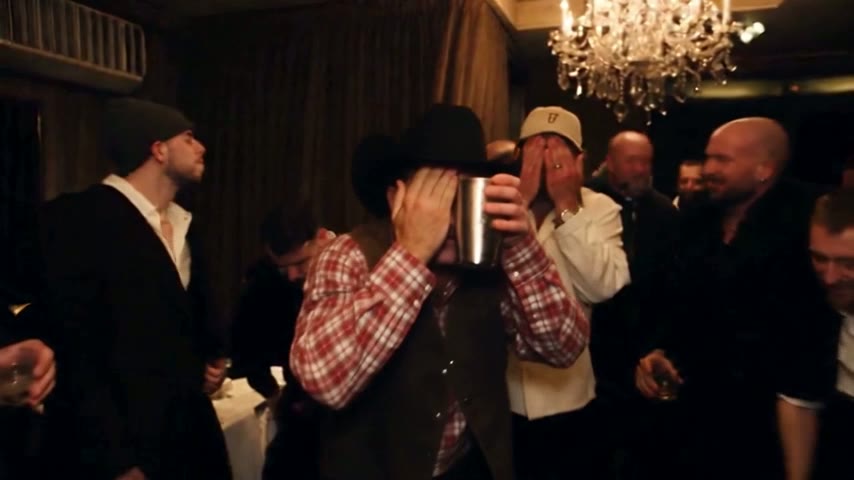
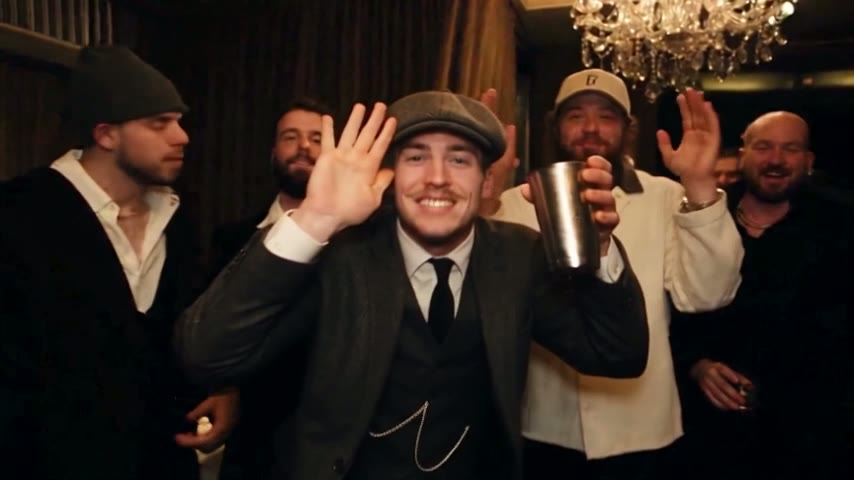
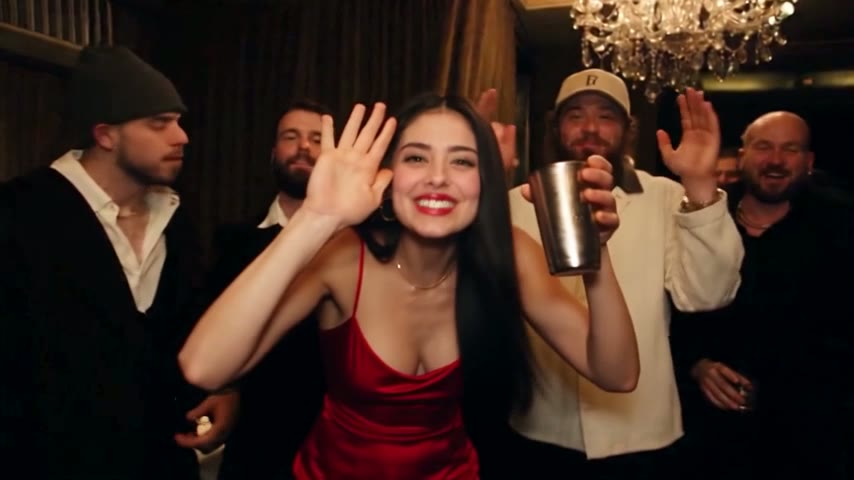
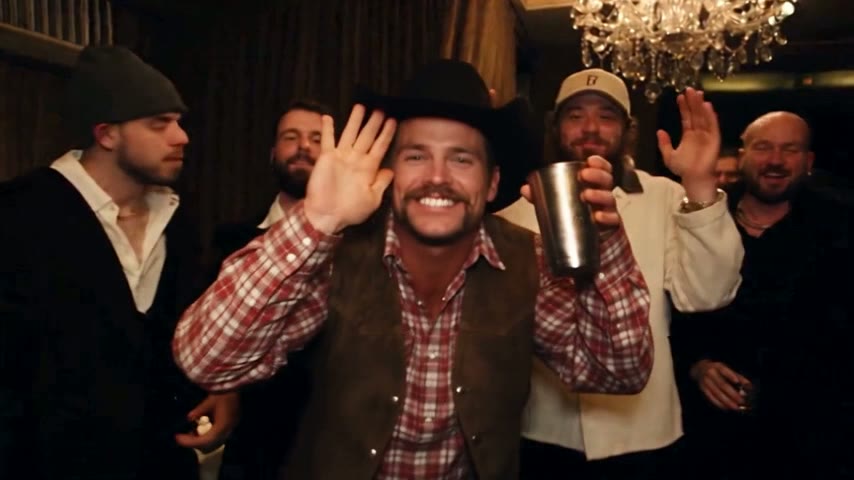
The AI uses a recreated party scene: the same chandelier-lit room, camera moves and choreography, with stand-in guests. The person in your photo plays the lead from first frame to last, cup, hand over the eyes and wave included.
The original song is already in
The song from that part of the music video is in the file, so nothing needs syncing later. Many people still post with the official sound from the TikTok or Instagram library.
Three lengths, one scene
5 seconds: the 'where she at' moment, ending on the cup and wave. 15 seconds: close on the lead, 2:42 to 2:57, ending on the wave. 28 seconds: the whole party stretch, about 2:38 to 3:05.
Three steps instead of a full edit
Next to a Burning Bridges Higgsfield project, there is nothing to download, trim or type, and no app to install.
Upload one photo
One person, face visible and evenly lit. Use yourself or a friend who agreed; celebrities and public figures are rejected.
Choose length and quality
5, 15 or 28 seconds; Standard (480p) for phones or HD (720p) for bigger screens. The credits show before you press Generate.
Download and post
Rendering takes about 3 minutes for 5 seconds, 5 to 10 for longer cuts. The MP4 posts fine to TikTok, Reels, Shorts, X and YouTube.
Burning Bridges Higgsfield vs AI Burning Bridges Video
Practical differences for this one scene. Editing on your phone? The Burning Bridges AI template page covers the CapCut route.
No clip to find and trim
The recreated party scene is already loaded in 5-, 15- and 28-second cuts.
No instruction to write
With Genjutsu, your wording steers the swap. Here it was written once for this scene; there is no text box.
The room stays the same
Prompt-based routes follow your words, so the room, crew and moves can drift. Here the recreated scene keeps the same room, guests and moves, and only the lead changes.
Costs counted in Standard videos
Plans count Standard videos (15 seconds, 480p). 28-second Standard or 15-second HD uses 3, 28-second HD uses 6, the 5-second clip 35 credits. See AI Burning Bridges Video pricing.
When a Drake Higgsfield edit makes more sense
Want another moment, your own wording, or projects beyond this trend? A general platform gives you that freedom. For you in the party scene, the preloaded route is shorter.
Other ways into the trend
Background, the manual method and the template idea.
Burning Bridges Higgsfield or one photo: side by side
Only what we can state fairly about the Burning Bridges Higgsfield route. Higgsfield publishes its own plans, settings and terms on its site.
| AI Burning Bridges Videoupload one photo | Higgsfield with Genjutsugeneral AI video platform | |
|---|---|---|
| Built for the party scene | One use among many | |
| The party scene | Recreated and preloaded | You trim the music video and upload it |
| Swap instruction | Written once, hidden | You write it |
| Song | Inside the MP4 | Added later, often in CapCut |
| Frame | 16:9, as in the video | Depends on your upload |
| Before you pay | Sample videos to watch | See Higgsfield's plans |
| Charged for a failed render | See Higgsfield's terms |
Burning Bridges Higgsfield FAQ
What is a Burning Bridges Higgsfield video?
It is Drake's Burning Bridges party scene remade on Higgsfield, usually with its Genjutsu character-swap feature. The creator uploads a cut of the music video, a photo of the new lead and a written instruction, so someone else stands where Drake did. AI Burning Bridges Video gets the same kind of result from one photo.
How do I do the Burning Bridges Higgsfield trend step by step?
Trim the party stretch of the official video so it ends on the wave. In Genjutsu, add the clip, your photo and an instruction naming what to swap and what to keep. Choose settings, render and expect a few attempts. Then add the sound in CapCut or TikTok and post.
What is Higgsfield Genjutsu?
Genjutsu is the character-swap feature on Higgsfield that many Burning Bridges tutorials rely on. You give it a video clip, a photo of the person who should appear and wording that describes the swap. Check Higgsfield's own site for its current settings and options.
Why does a Drake Higgsfield edit often take several tries?
Tutorials warn it often takes three to five attempts. On any prompt-based route the model follows your words, so the room, crew or moves can drift, and people rerun it until it looks right. Here the instruction is fixed and only the lead changes.
Can I get the Drake video without paying?
Not here: every video is paid. You can watch the samples first, and a failed or filtered render is never charged. Higgsfield lists its own plans on its site. What you can check before paying is on the Burning Bridges AI free page.
Is AI Burning Bridges Video affiliated with Higgsfield or Drake?
No. AI Burning Bridges Video is an independent fan-made tool, not affiliated with Drake or his label, and has no connection with Higgsfield, Kling or Dreamina. We name those platforms only because many Burning Bridges tutorials use them and people compare the routes.
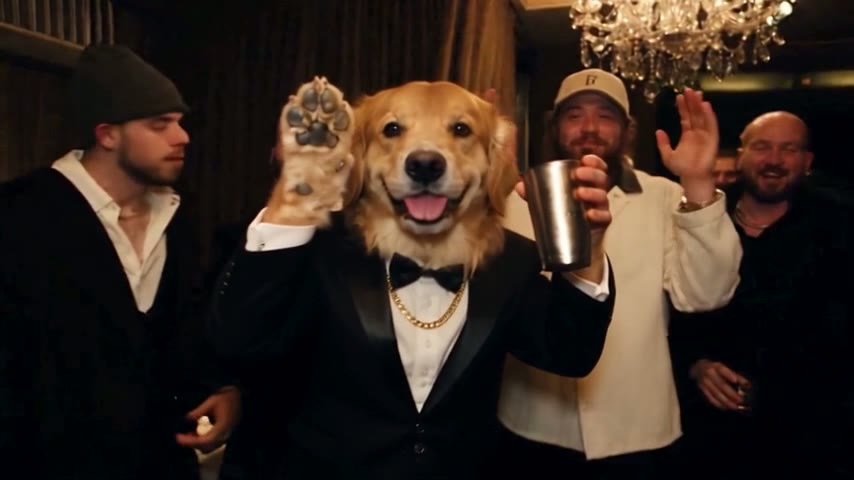
Skip the Burning Bridges Higgsfield setup
Bring one photo; clip, instruction and song are in place, and the MP4 is ready in about 3 minutes (5 seconds) or 5 to 10 minutes (longer cuts).