

Burning Bridges AI Free? The Honest Answer
Burning Bridges AI free trials and free credits do not exist here, because every video is a fresh render on real compute. Watching the samples, reading the second-by-second breakdown and checking your photo cost nothing, and you never pay for a render that fails or gets filtered.
Ready for your video?
A failed render costs you nothing.
Is Burning Bridges AI free? What that means for you
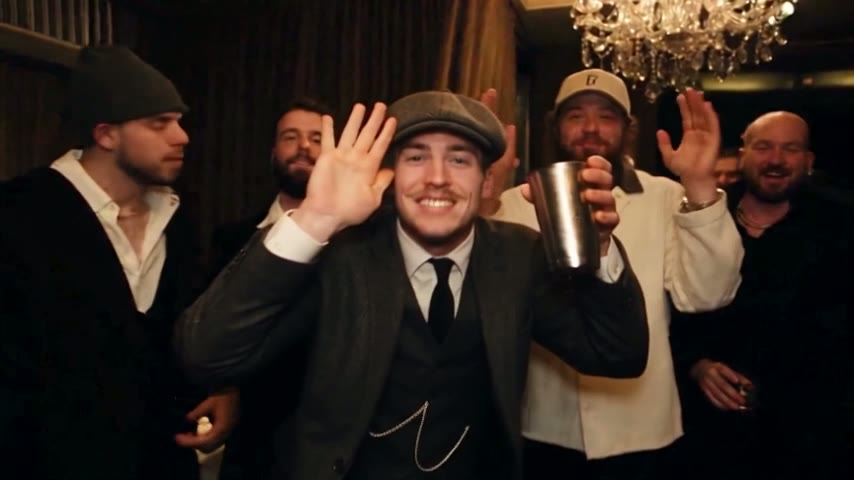
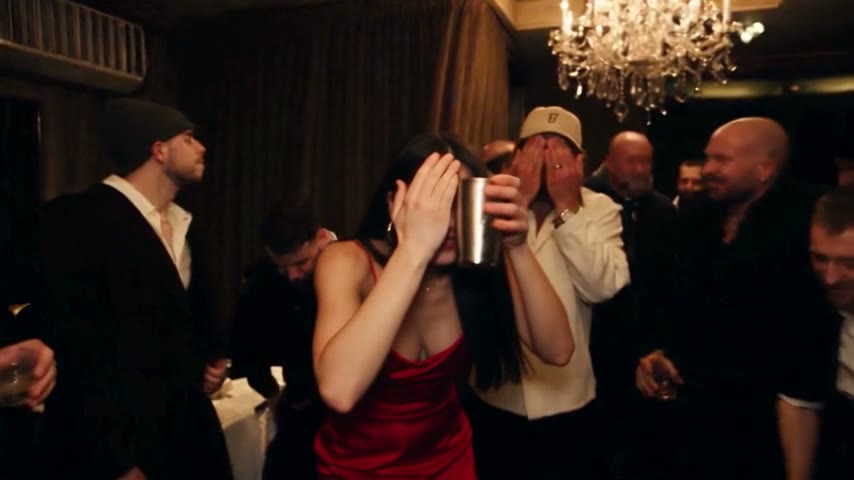
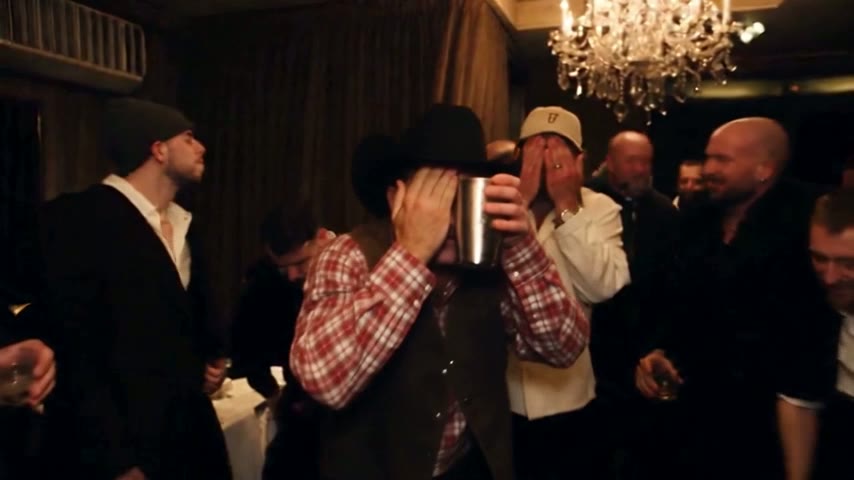
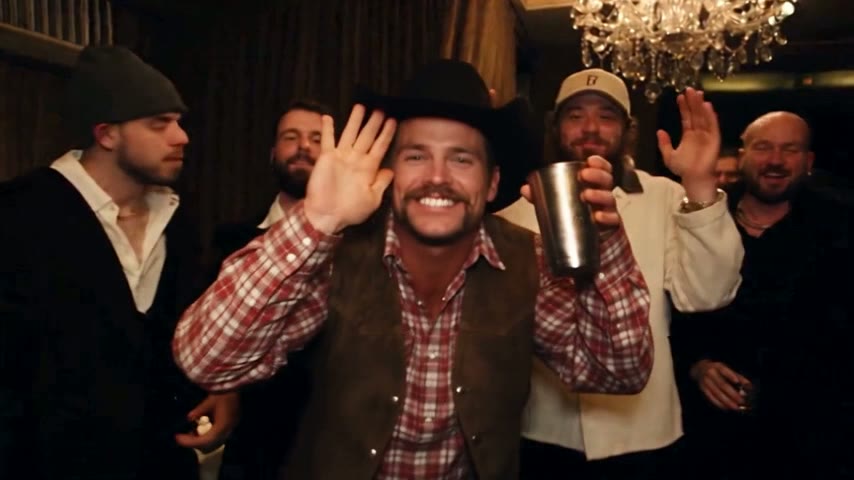
Burning Bridges AI free access is not how this site works: each video is paid, your first one included. The Burning Bridges AI video generator edits a recreated version of the party scene so the lead, Drake's role in the black durag and leather jacket, becomes the person in your photo. The chandeliers, the guests and the handheld camera stay untouched, and each render takes 3 to 10 minutes of compute.
- No trial, no starter balanceSigning up adds no credits, and there is no trial period.
- Real compute in each clipThe scene is re-rendered around your face, hands and clothes every time.
- Failed renders refundedWhen a render fails or is filtered, its credits go straight back to your balance.
Burning Bridges AI free vs paid: where the line sits
The line is simple: looking costs nothing, generating costs credits. To build the clip yourself with general video tools instead, the guide on how to do Burning Bridges AI covers the manual route.
Free: everything you can watch and read
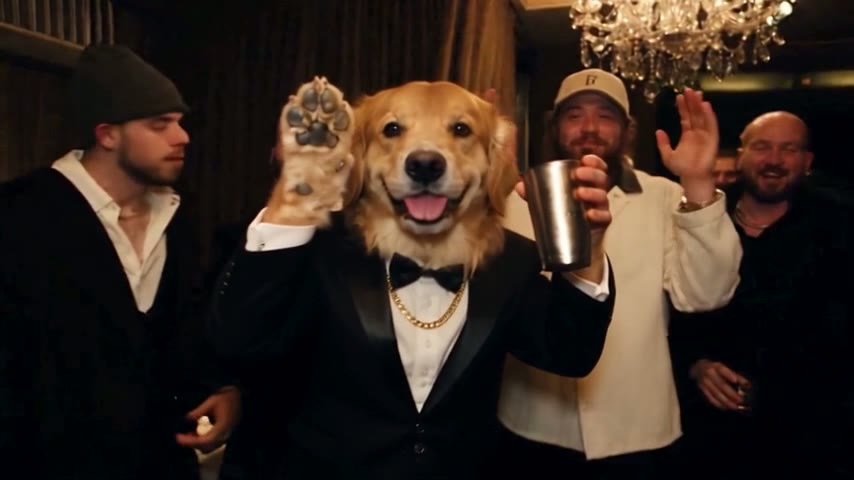
Nothing you can watch or read here is paid: samples, the four-beat breakdown, photo tips, guides. One sample stars a golden retriever in a tuxedo, so you can see a pet result first.
Paid: the render itself
The cost depends on length (5, 15 or 28 seconds) and quality (Standard 480p or HD 720p; 5 seconds is Standard only). You get a widescreen 16:9 MP4 with the original song. It works like a Burning Bridges AI template: you only add the photo.
Never paid: failed or filtered renders
Credits come back on their own when a render errors out or the filter rejects a photo, such as one of a celebrity or public figure.

Free checks to do before your first video
These cost nothing and show most of what a paid render looks like. When you are ready, the guide on how to make Drake AI video takes you through the paid steps, upload to posting.
Play the four samples
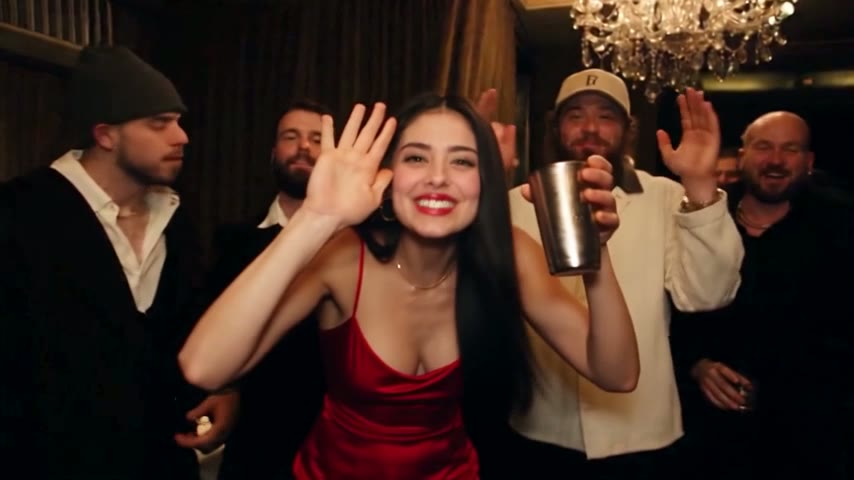
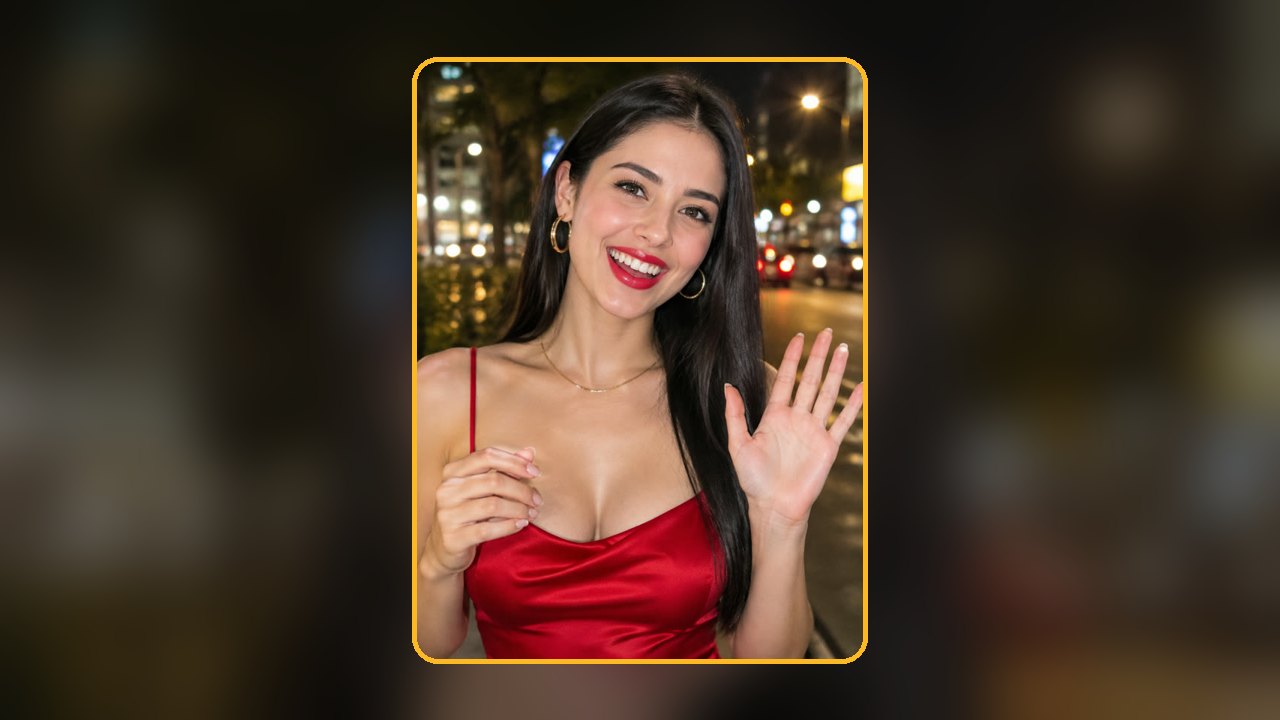
Each is a 5-second Standard result made from an AI-generated character: a 1920s gentleman, a party queen, a Texas cowboy and a golden retriever in a tuxedo. With the sound on, notice that only the lead changes.
Read the second-by-second breakdown
On the home page the 5-second cut is broken into four beats, from reaching out to the crew to the cup-and-wave finish. Nearly every beat uses the hands.
Hold your photo up to the tips
Compare your picture with the examples below; a weak result usually starts with the photo.
Photo tips
Check your photo for free before spending credits
Of all the Burning Bridges AI free steps, this one saves the most: three kinds of picture that hold up, four that waste a render.
Use this
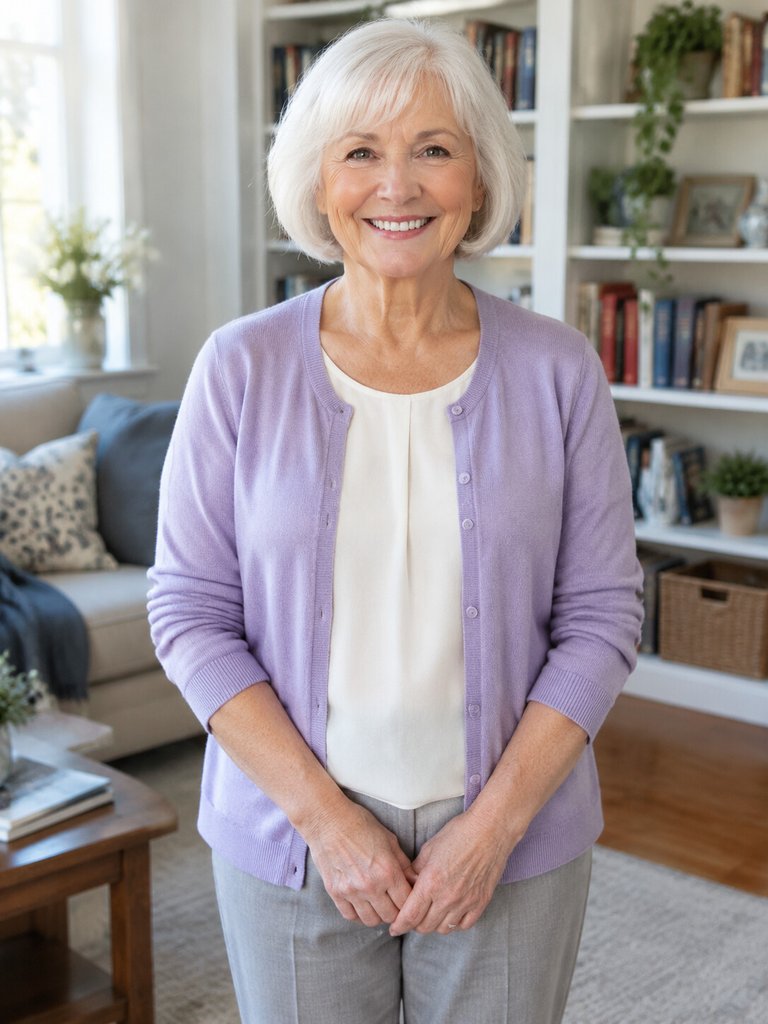
Half body, both hands
The lead reaches out, holds a cup and waves, and the AI copies your hands from the photo.
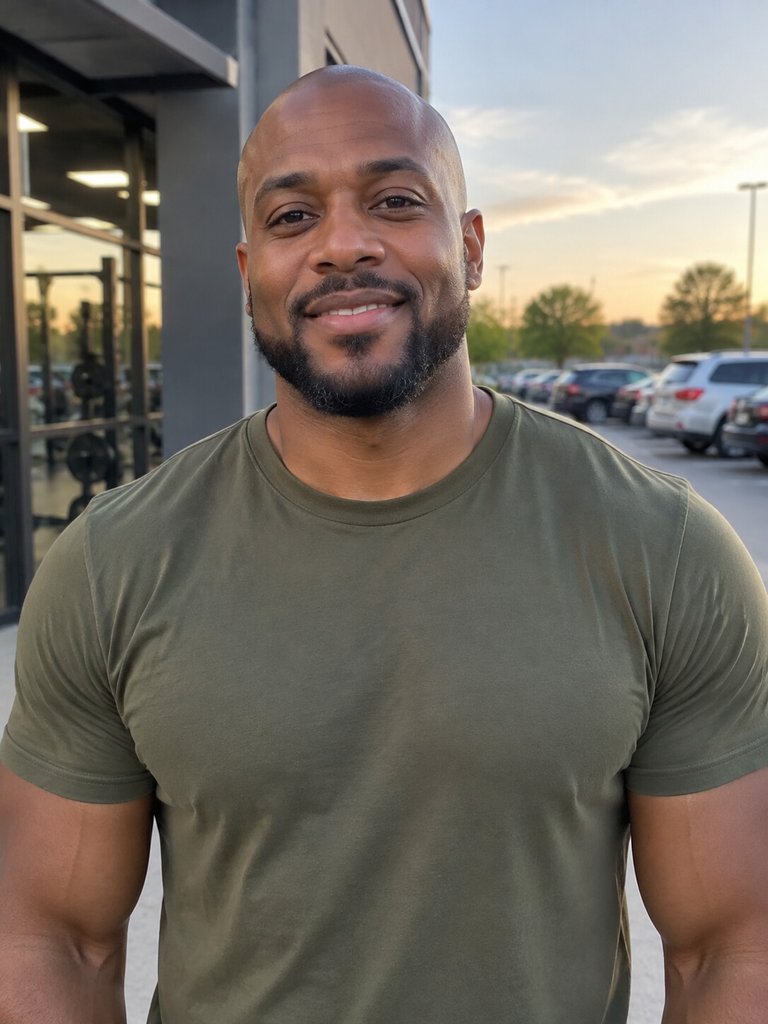
Face clear and lit
Even light keeps you recognisable when the camera moves in close.
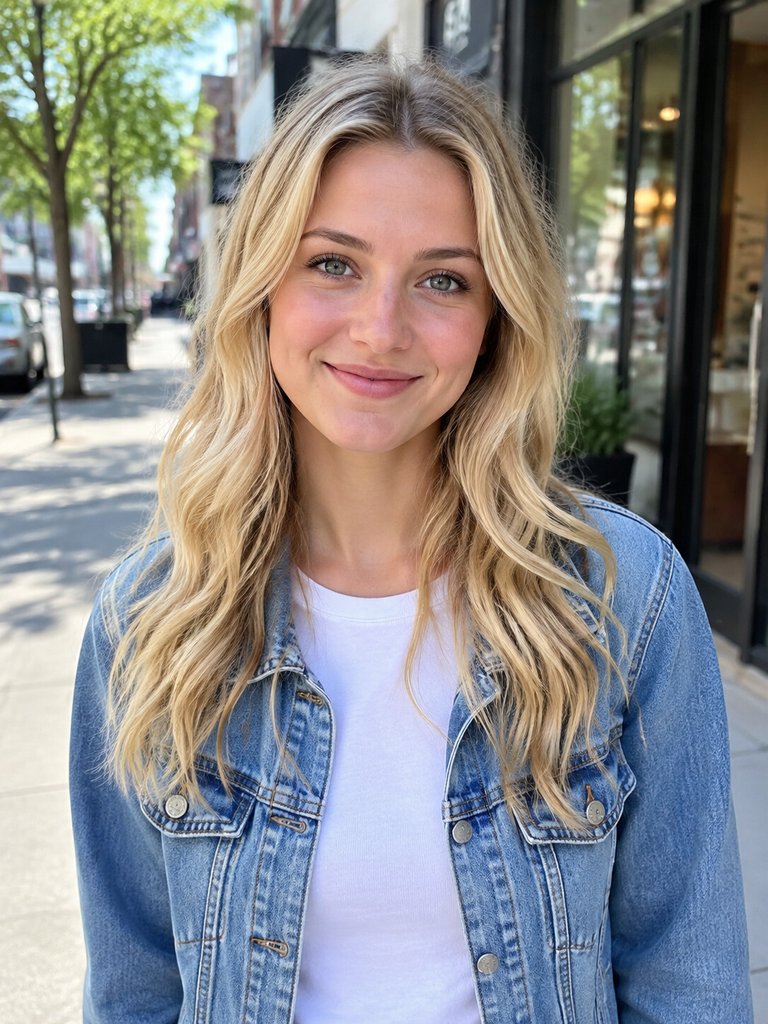
Alone, eyes on the lens
One person facing the camera leaves no doubt whose face to use.
Skip this
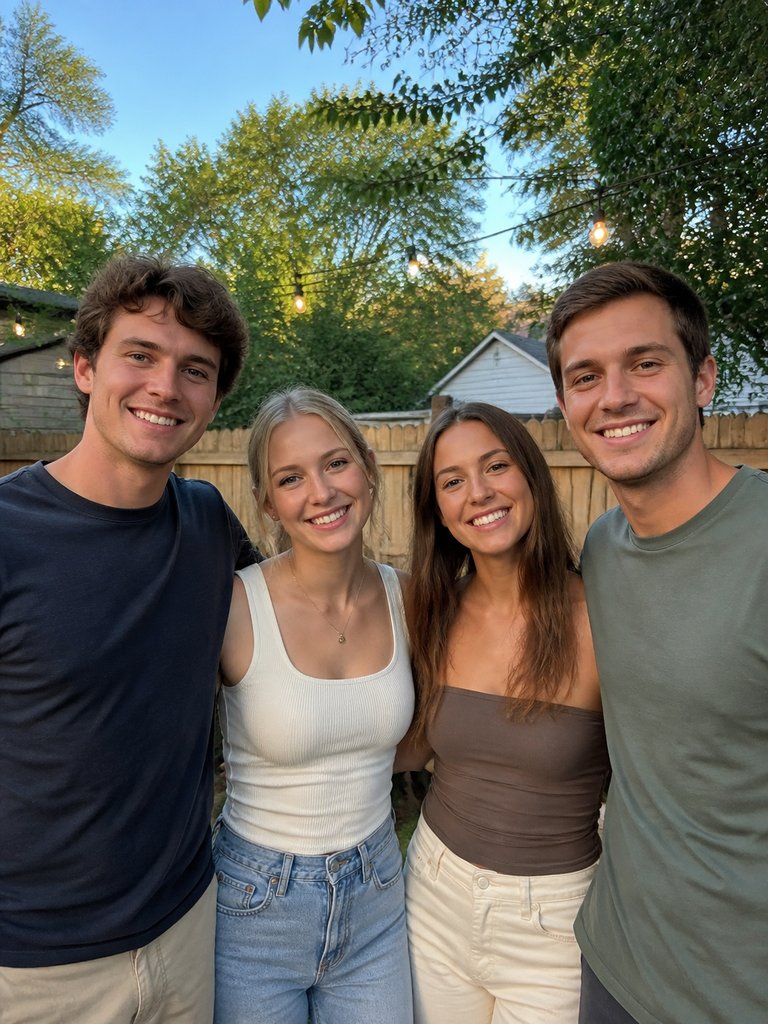
Group shots
With four friends in the picture, the AI has to guess who takes Drake's place.
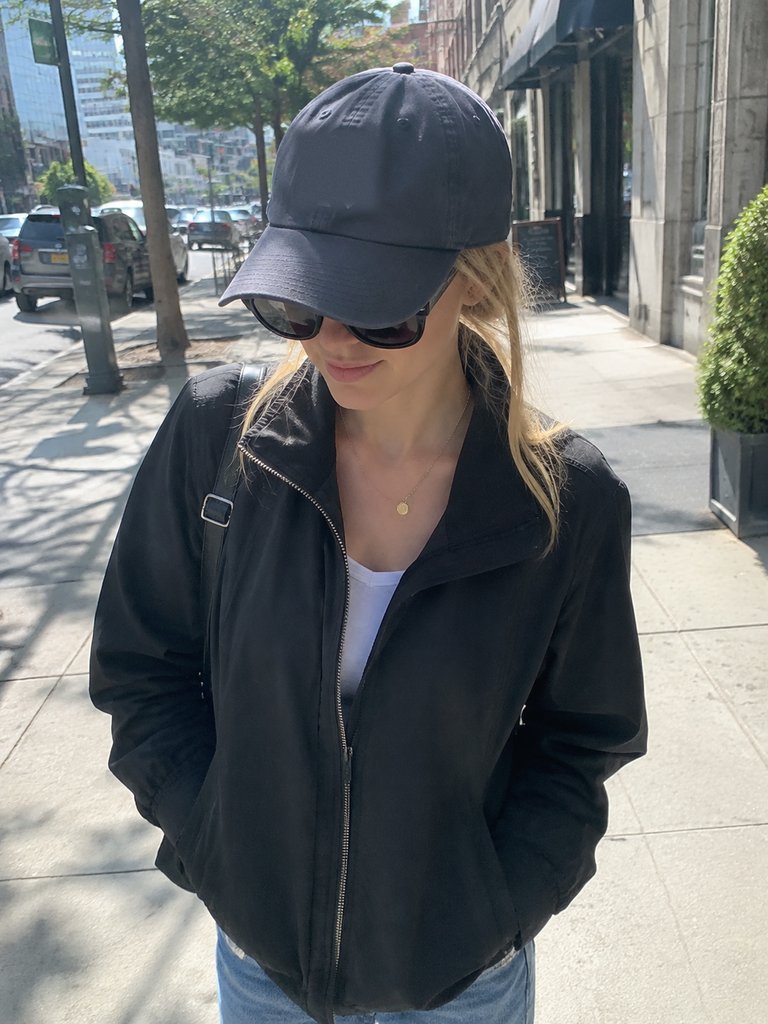
Sunglasses plus a cap
Dark glasses cover your eyes and the brim puts your face in shadow.
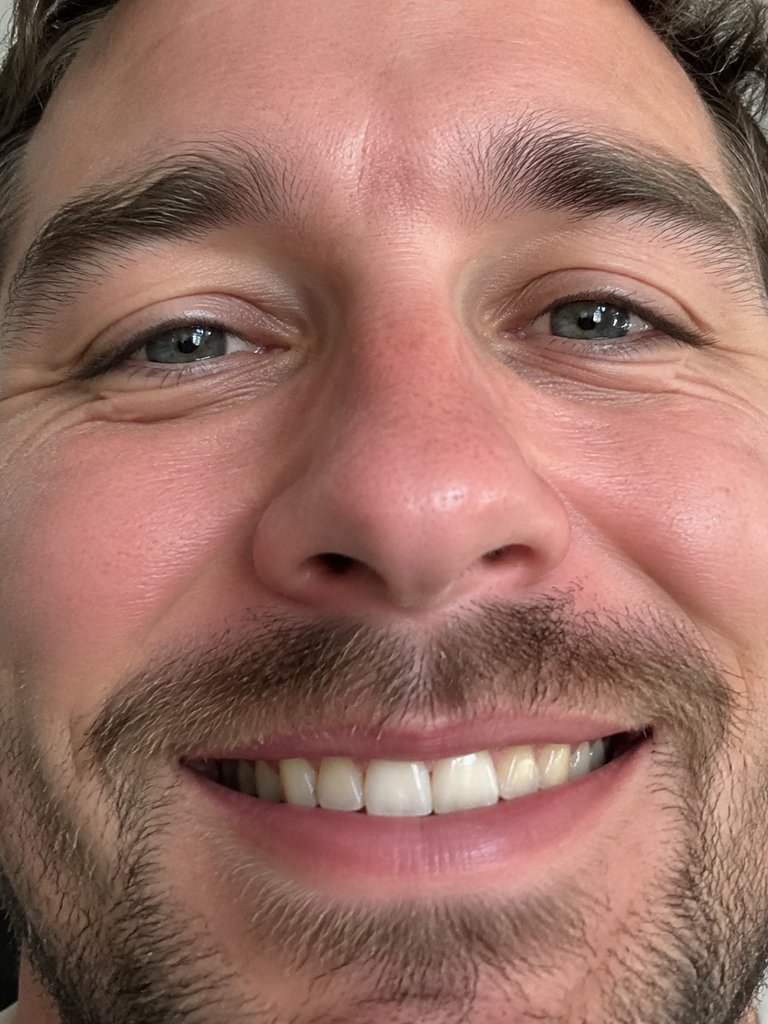
Tight face close-ups
With no shoulders or hands, the AI invents your clothes and gestures.
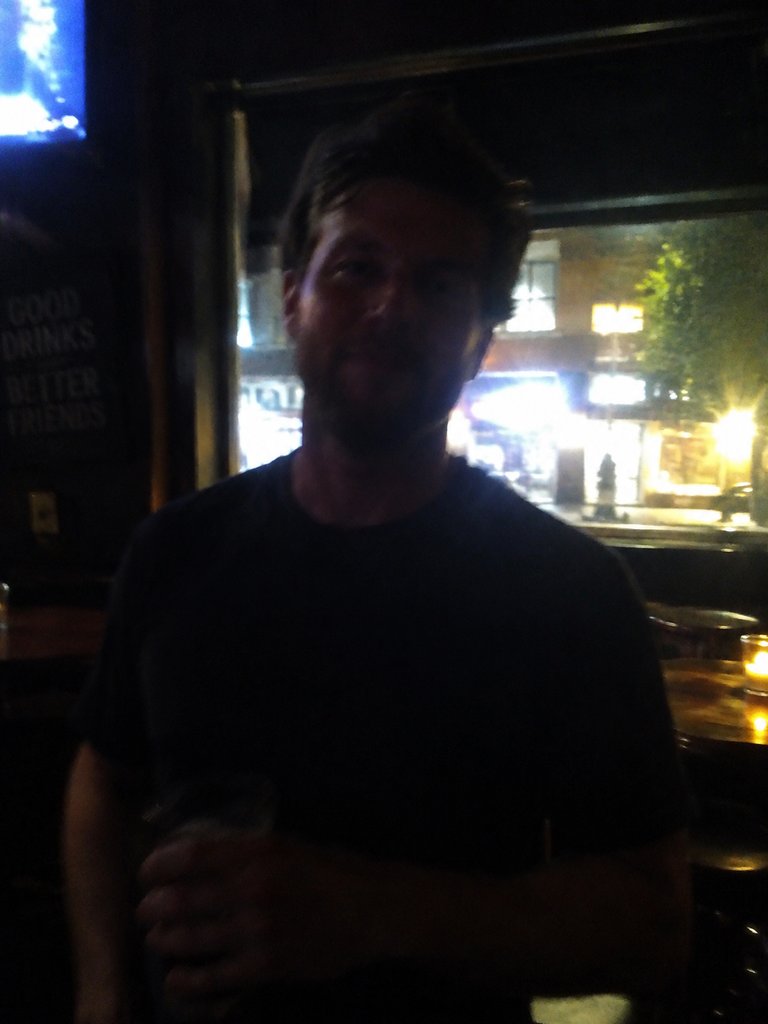
Dim or blurry pictures
Dark or soft photos carry too little detail for a likeness.
The cheapest route to one video
With no free tier, the question is which option uses the least. Current plans and packs are on AI Burning Bridges Video pricing.
The 5-second clip
The shortest video: the "where she at" moment and the cup-and-wave finish, in Standard quality, for 35 credits.
A one-time credit pack
If you only want a video or two, buy a one-time pack instead of subscribing.
One 15-second Standard video
The best-known stretch, the camera close on the lead up to the wave, is one Standard video: 100 credits.
Longer or sharper uses more
A 28-second video or a 15-second HD video uses 3 Standard videos; 28 seconds in HD uses 6.
A free Burning Bridges AI video elsewhere?
Higgsfield, Kling and Dreamina are general AI video platforms with their own credit plans; what each gives away varies. You bring the clip and the wording.
Keep reading
Tutorial, template and the manual workflow.
Burning Bridges AI free: questions people ask
Is Burning Bridges AI free?
No. There is no trial, no free plan and no signup balance. What you can use for free is the four sample videos, the second-by-second breakdown and the photo tips on this page, and renders that fail or get filtered are refunded to your balance.
Is there a Burning Bridges AI free trial?
No. Your first video costs the same as any later one. The nearest substitute for a trial is the samples: four 5-second results made from AI-generated characters, from a 1920s gentleman to a golden retriever in a tuxedo. Play them with sound to judge the likeness before you buy.
Do I pay for a render that fails?
No. The credits return to your balance automatically, and you can try again with a clearer, evenly lit, half-body photo of one person. Photos of celebrities or public figures are rejected and refunded the same way, whatever length or quality you picked.
What is the least I can spend on one video?
Start with the 5-second clip: 35 credits for the "where she at" moment and the cup-and-wave finish, in Standard quality. The famous 15-second stretch counts as one Standard video, which is 100 credits. Either fits in a one-time credit pack, no subscription needed.
Can I make a free Burning Bridges AI video with another tool?
Possibly; free tiers vary by tool, so check each one. Most tutorials cut a piece of the party scene, run it through Higgsfield, Kling or Dreamina with a photo and a written instruction, then add the sound in CapCut or TikTok. The Burning Bridges Higgsfield guide walks through that workflow.
How do CapCut templates for the trend compare?
CapCut templates are made by template creators, so quality varies. Many paste a face over the original or rebuild a similar-looking scene instead of replacing the whole person. Here the whole lead, hands and clothes included, is rebuilt from your photo inside the recreated room, with the original song.
Is AI Burning Bridges Video affiliated with Drake?
No. AI Burning Bridges Video is an independent fan-made tool, not affiliated with Drake or his label. It edits a recreated version of the music video's party scene so the person in your photo takes Drake's place as the lead. Upload yourself, or a friend who agreed.
Check everything first, pay for one finished video
Run every Burning Bridges AI free check above, then upload when your photo passes. Failed or filtered renders are never charged.